OURNEST · 08 / 08
Manage multiple families
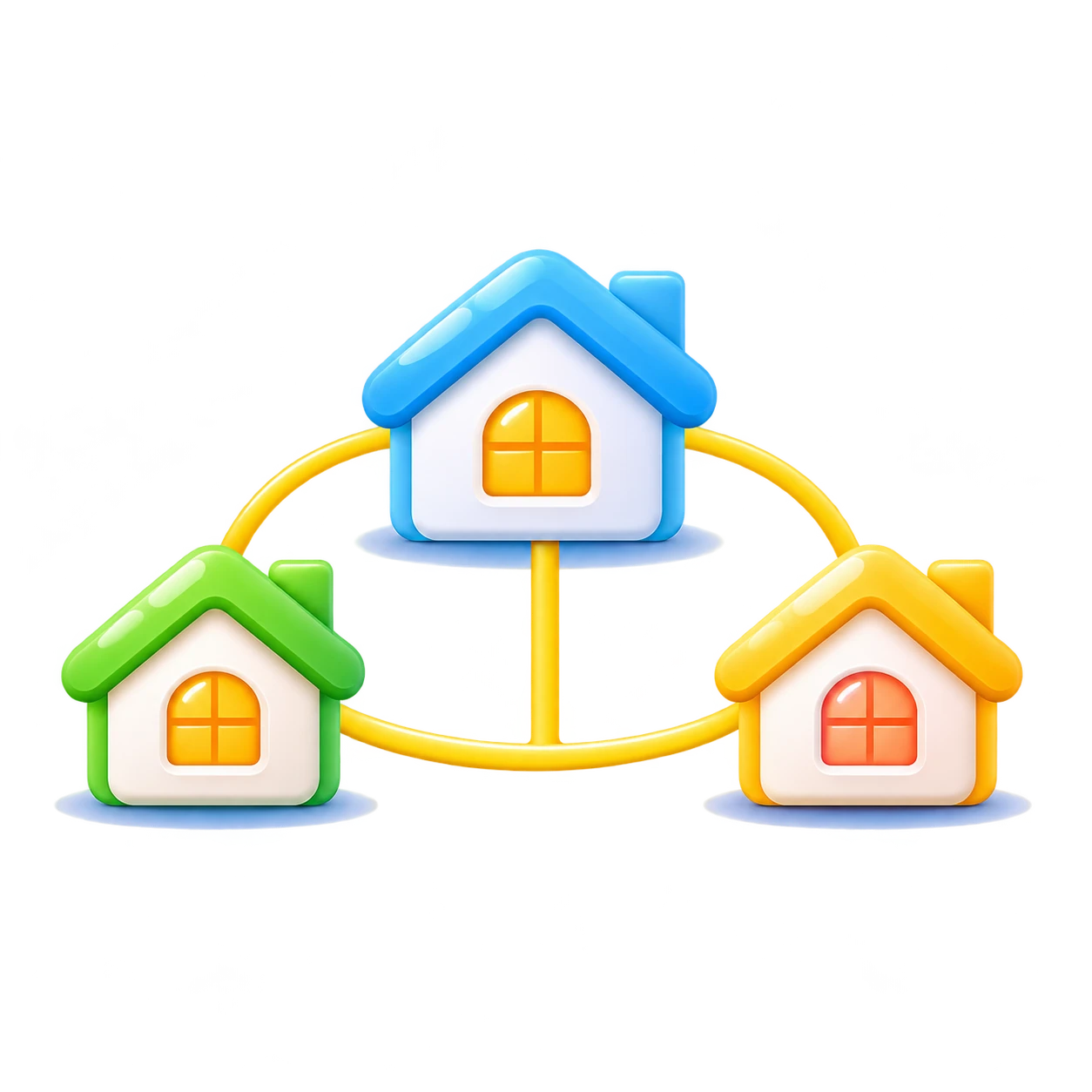
One account, multiple spaces
Join multiple independent families, each with separate tasks, points and permissions.
How it works
- 1
Sign in with one OurNest account
- 2
Create or join the relevant families
- 3
Switch between family spaces
- 4
Manage tasks and points separately for each family
Key benefits
- ✓No need to create multiple accounts
- ✓Each family's data stays separate
- ✓Convenient for multigenerational families

Suitable for large families and multiple household groups.
OURNEST
Real-life example
Example: Someone belongs to their own household and their grandparents' family, but the points and schedules never get mixed together.
Explore other features
 Task assignments
 Recurring and rotating schedules
 Flexible reward points
This describes the planned OurNest workflow. Actual availability depends on development progress.